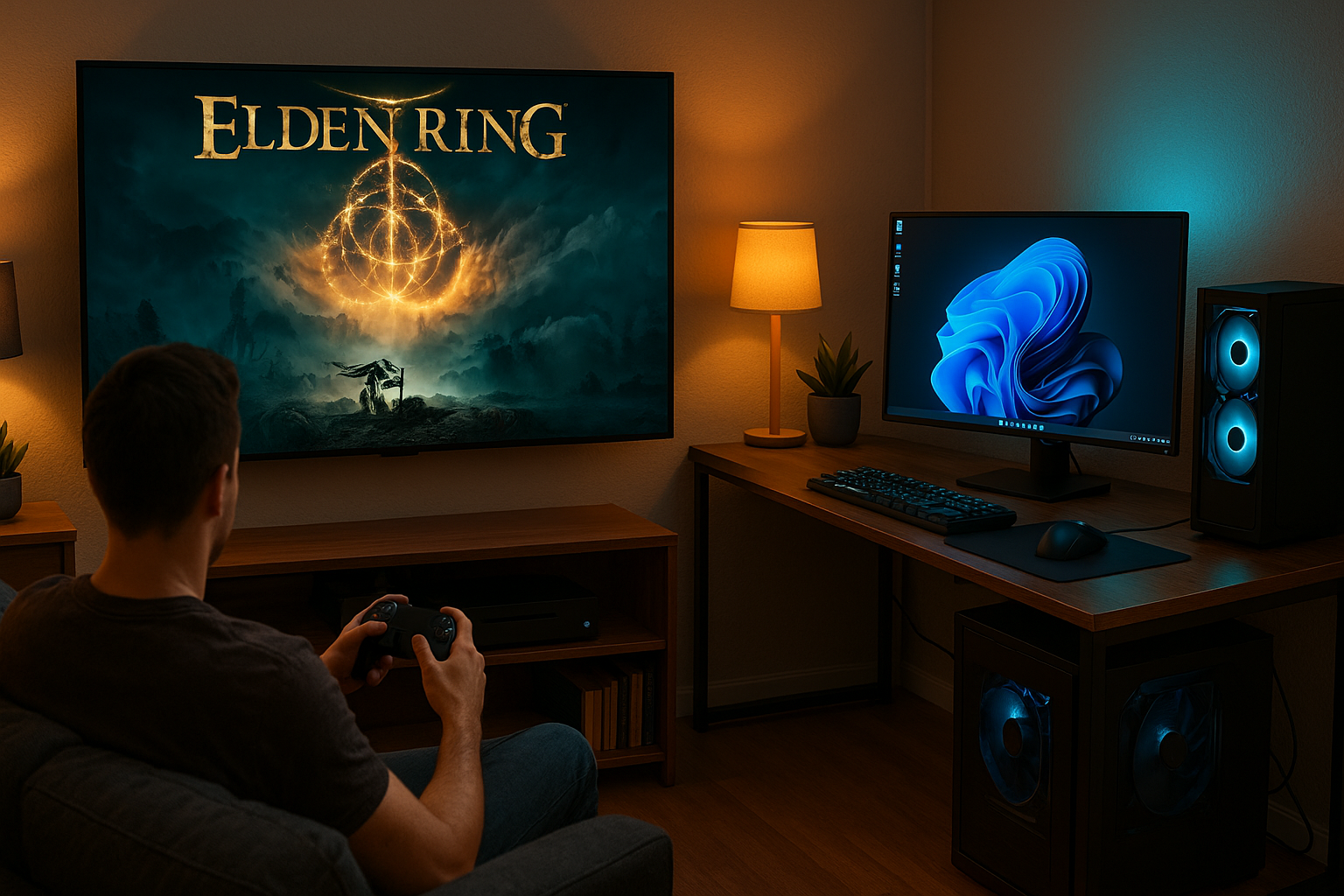
🖥️ Windows App
Launch Games on Your TV
Automatic display switching for games that lock to your primary monitor. Perfect for gaming on a secondary display or TV.
Automatic display switching for games that lock to your primary monitor. Perfect for gaming on a secondary display or TV.
Many PC games lock to the primary display. Switching your setup manually is a hassle.
Want to play on your TV but your game insists on your PC monitor?
Currently you have to change display settings every time. It's tedious.
After gaming, you forget to switch back. Now your workflow is broken.
Detects and manages all your displays. Select which one to game on.
Automatically finds your Steam games and custom EXE files.
Switches primary display before launching. No manual setup needed.
Three options: Immediate, On Exit, or Never. You choose what works.
Smart detection for games that launch through launchers. Won't get stuck.
Beautiful game cards with official Steam artwork from CDN.
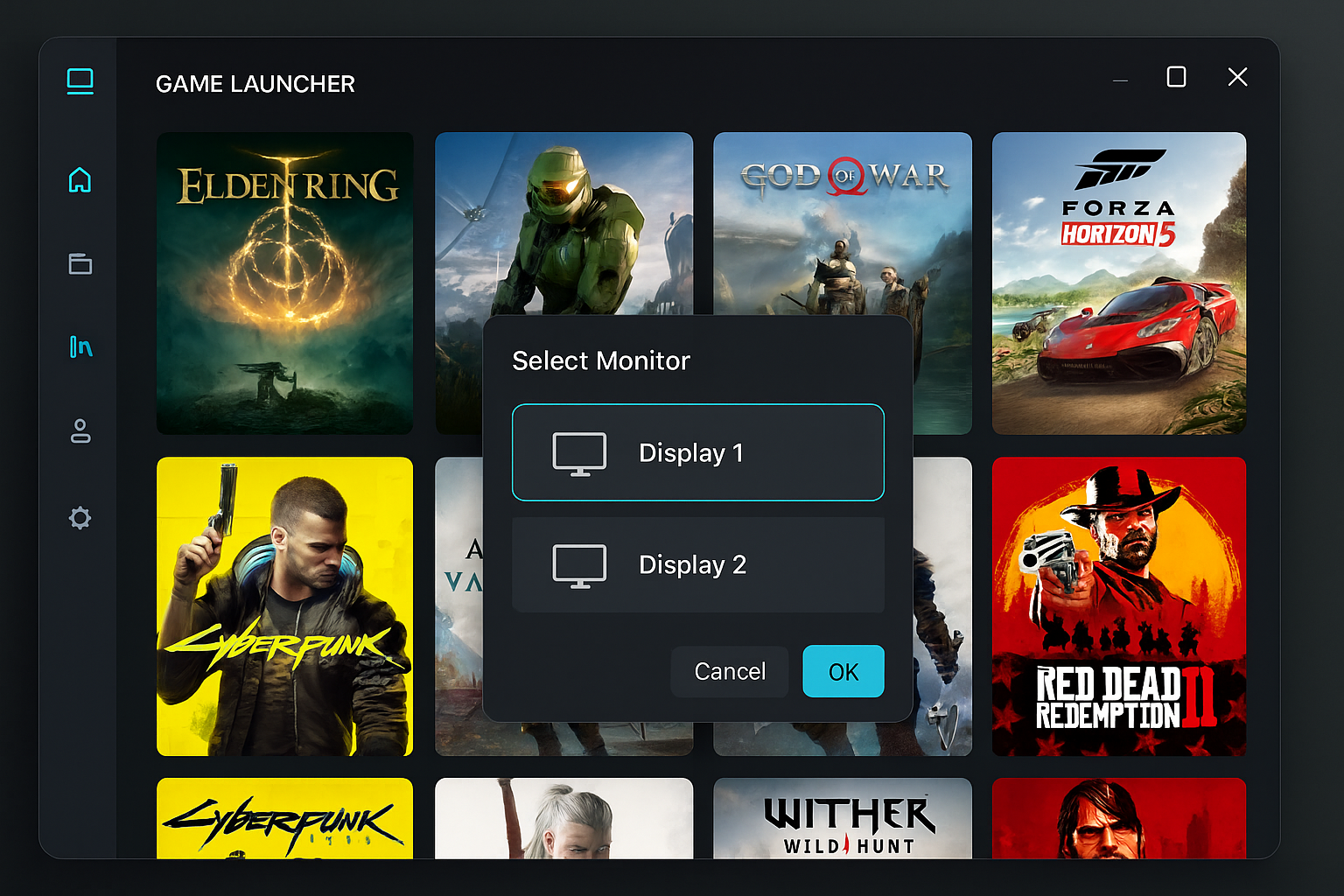
Select your target monitor and restore strategy before launching
Native Windows performance. Fast, reliable, and lightweight.
Download Game Launcher free from GitHub. Open source, always free.